Sprunki Sinner Edition Tutorial and Gameplay: Your Complete Guide
 0
0
 1
1
If you landed here wanting a straight answer on how Sprunki Sinner Edition works, you are in the right place. This is a dark, atmospheric remix of the Sprunki formula that flips the cheerful beat-making energy of the base game into something moodier, stranger, and far more satisfying to master. I have spent serious time with it, and I want to give you the practical breakdown that actually helps you play well.
What Sprunki Sinner Edition Is
Sprunki Sinner Edition is a fan-made modification of the Incredibox-style music creation game Sprunki. The core idea stays the same: you drag sound icons onto characters arranged on a stage, each character loops a musical element, and you layer those elements to build a track.
The Sinner Edition changes the visual skin, the sound library, and the emotional register of the whole experience. Characters take on corrupted, shadowy designs. The sound palette shifts toward distorted basslines, eerie vocal chops, industrial percussion, and ambient textures that feel lifted from a horror film score. This is a deliberate artistic choice, and it pays off.
How the Interface Works
The layout will feel familiar if you have touched any Sprunki variant before. The stage sits in the center of your screen. A sound bank runs along the bottom. Each icon in that bank carries a specific sound category.
Here is a quick reference for the main icon types you will encounter:
| Icon Color / Symbol | Sound Category | Role in the Mix |
|---|---|---|
| Dark red | Bass and kick patterns | Rhythmic foundation |
| Deep purple | Ambient pads and drones | Atmosphere and depth |
| Black with glow | Distorted vocal loops | Melodic tension |
| Grey static | FX and noise sweeps | Transition and texture |
| White inverse | Counter-melody lines | Harmonic variation |
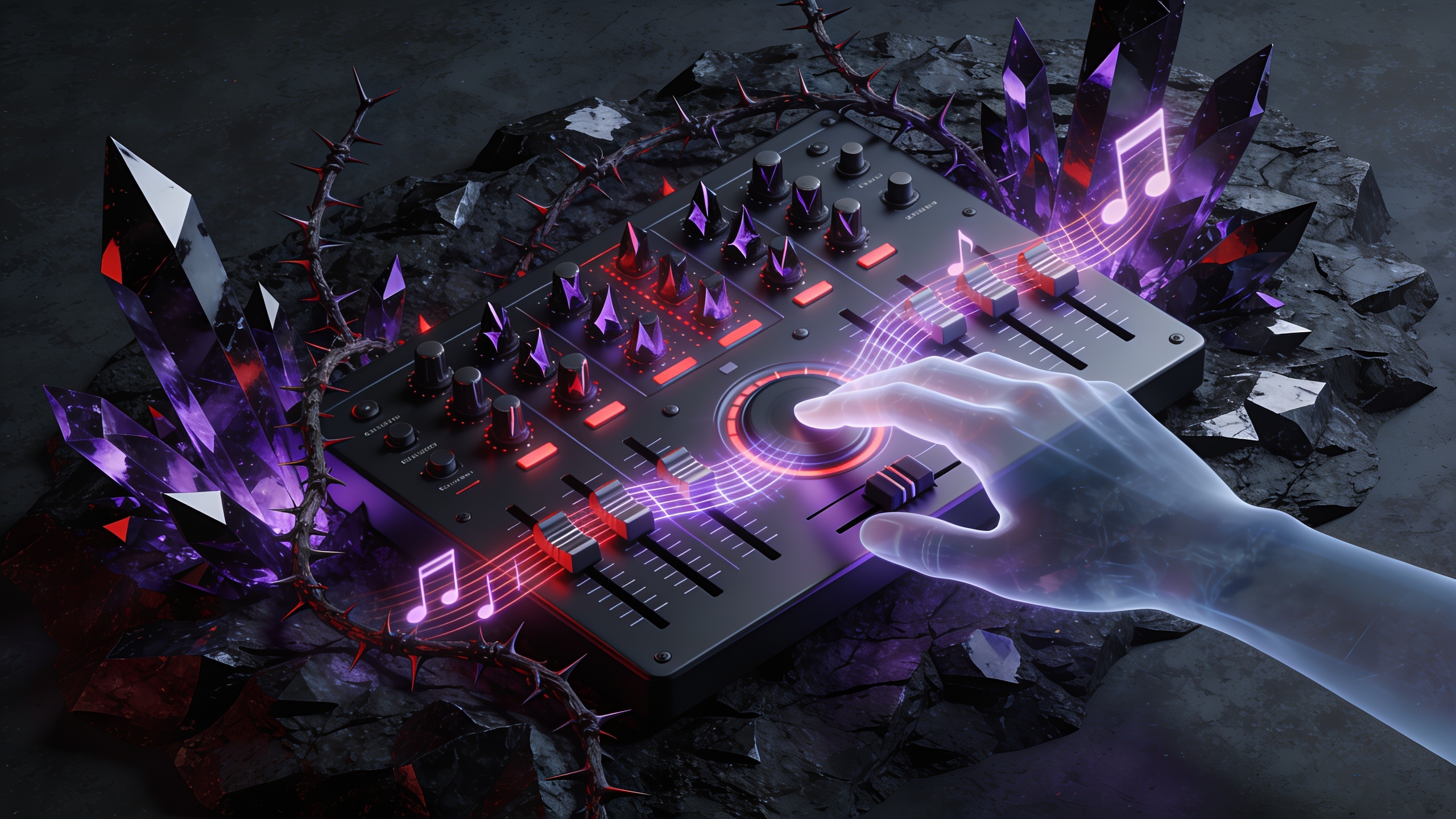
To assign a sound, click and drag the icon from the bank onto a character. The character activates, starts looping, and its icon appears above their head so you can track what is running. To remove a sound, drag the icon off the character or click the active icon above their head.
Building Your First Track
Start with the rhythm. I always place a kick or bass pattern first because every other decision you make flows from the groove. In Sinner Edition, the dark red icons carry the best foundational beats. Pick one and let it run for a moment so you internalize the tempo.
Add one ambient pad next. The deep purple icons are perfect here. A single droning pad sitting under a kick pattern immediately creates that signature Sinner Edition tension. Resist piling on more sounds at this stage.
From there, bring in a distorted vocal loop. These are the black icons, and they are the most expressive elements in the whole sound library. Place the vocal on a center character so it sits prominently in the stereo field. You will hear the track come alive.
The temptation for new players is to fill every character slot as fast as possible. That approach muddies the mix fast. Give each sound room to breathe before adding the next one.
Advanced Layering Techniques
Once you have a solid three or four element base running, you can start thinking about contrast and movement. Here is where Sinner Edition separates experienced players from beginners.
Try muting and unmuting characters in real time. Click an active character to toggle them off, wait a bar or two, then bring them back. This creates a manual arrangement effect that makes your track feel alive rather than static. A well-timed mute on the bass during a vocal phrase hits harder than any new sound you could add.
FX and noise sweep icons (the grey static category) are your secret weapon. Place one on a secondary character and use it sparingly. A single sweep dropped in at the right moment adds a cinematic quality that pure musical loops cannot replicate.
Counter-melody lines, the white inverse icons, work best when placed opposite the main vocal. If your distorted vocal loop sits on the left side of the stage, put a counter-melody character on the right. The spatial tension that creates is exactly what Sinner Edition’s aesthetic rewards.
Unlocking Bonus Animations and Hidden Sequences
Sprunki Sinner Edition has a layered reward system. Certain sound combinations trigger special character animations and unlock hidden visual sequences. These are the moments that make the game worth replaying.
A few reliable ways to trigger bonus content:
- Stack a bass icon with a specific vocal icon on adjacent characters
- Fill all eight characters simultaneously with a complete, balanced sound set
- Combine the grey FX icon with the white counter-melody icon on the same stage
- Hold a four-element mix for a full loop cycle without making changes
The exact combinations vary by version, so experimentation matters. When a bonus animation triggers, the stage lighting shifts and at least one character transforms into an alternate Sinner form. Let the sequence play out fully because some of them unlock audio elements that get added to your available sound bank.
Common Mistakes and How to Fix Them
Most players run into the same issues early on.
Overloading the stage kills the mix. If everything plays at once with no space, the result is noise rather than music. Pull back to five or six characters maximum and treat silence as a compositional tool.
Ignoring tempo consistency is another frequent problem. Every icon in Sinner Edition is tempo-synced, but layering too many rhythmically dense patterns creates a cluttered feel. Balance percussive loops with sustained tones.
Skipping the ambient pad layer leaves your track sounding thin. Even one deep purple pad underneath your rhythm transforms the emotional impact of the whole piece.
Key Takeaways
Sprunki Sinner Edition rewards patience, restraint, and curiosity. Build from the rhythm up, let sounds breathe, and use muting as a real technique rather than an accident. The bonus animation system gives you a genuine reason to keep experimenting with combinations.
My recommendation is to spend your first session with a maximum of five characters active. Master the feel of a tight, moody mix before you chase the spectacle of a full stage. Once you have that foundation, the more complex layering and hidden content discovery becomes a natural next step.
Start simple, stay intentional, and the Sinner Edition will reward you.